


Do you have something specific in mind?
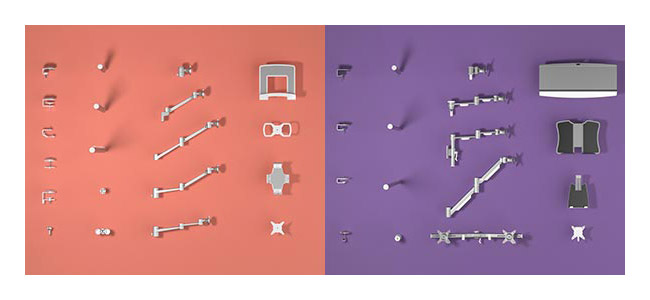
The configurator offers numerous options and mounts to perfectly match our products to your requirements. Configure your own ideal monitor arm, toolbar or mobile workstation.
The possibilities are endless.
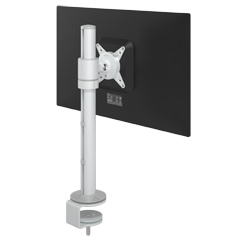 58.100
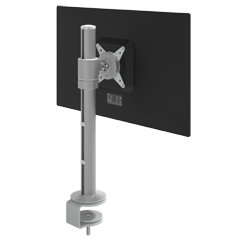 58.102
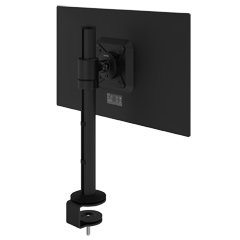 58.103
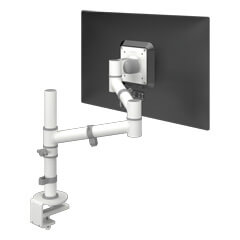 48.120
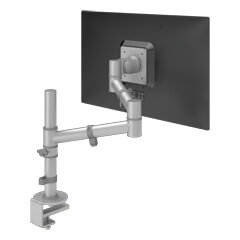 48.122
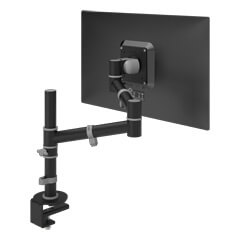 48.123
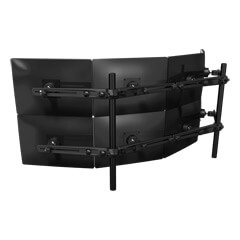 53.843
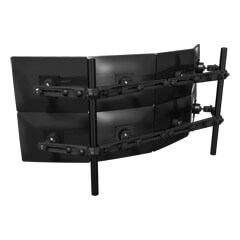 53.833
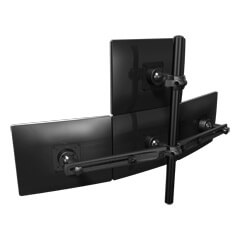 53.343
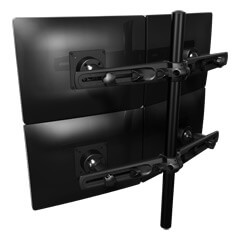 53.323
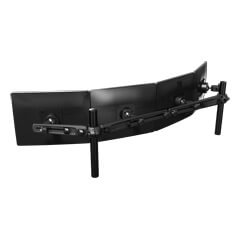 53.433
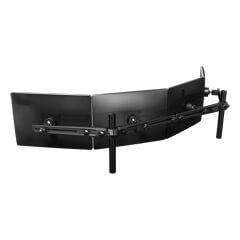 53.443
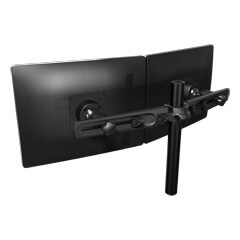 53.233
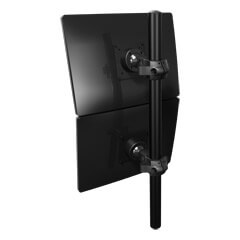 53.373
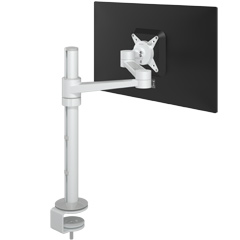 58.120
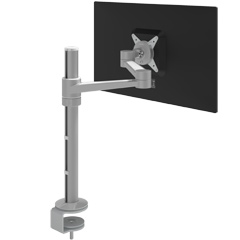 58.122
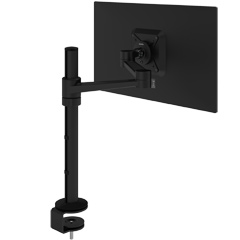 58.123
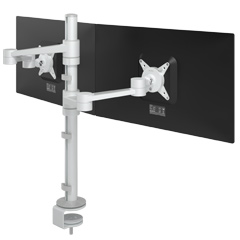 58.140
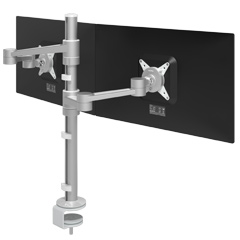 58.142
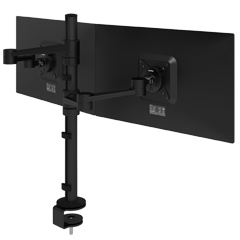 58.143
The configurator offers numerous options and mounts to perfectly match our products to your requirements. Configure your own ideal monitor arm, toolbar or mobile workstation.
The possibilities are endless.
Forgot your password? Enter your email address and we'll send you a link to reset it.